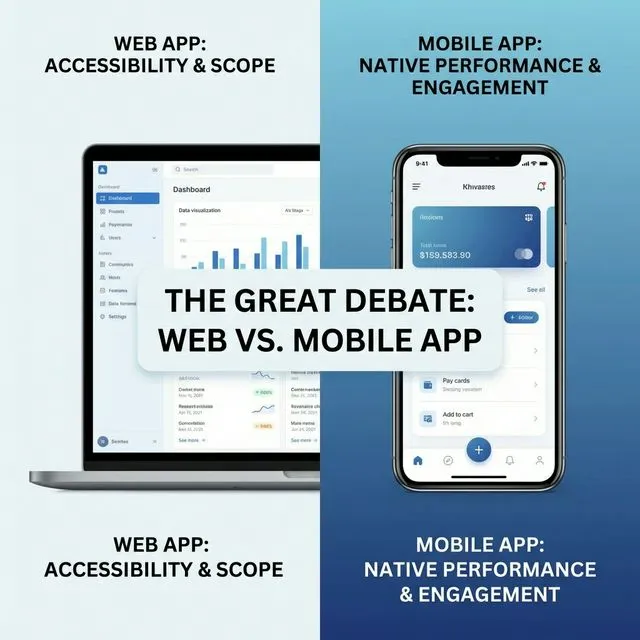
Choose a mobile app when...
Users are on the move. If your product is used while walking, commuting, or in the field, a mobile app provides the offline capability, camera access, GPS, and push notifications that make mobile workflows possible.
Engagement frequency is high. Users who open your product 5+ times per day benefit from a home screen icon, instant launch, and push notifications. Web bookmarks don't compete with native app engagement.
Device capabilities are core. Camera, GPS, accelerometer, Bluetooth, NFC, biometric authentication. If these hardware features are central to the experience, go native. Web APIs for these exist but are inconsistent and limited.
Payment monetization is primary. In-app purchases and subscriptions through app stores have higher conversion rates than web payment flows for consumer products. Apple and Google handle payment trust and compliance.
The "both" answer (and when it's wrong)
Many companies default to "let's build both." This doubles your cost and splits your engineering focus. Build both only when:
- You have distinct use cases for each (e.g., mobile for field workers, web for back-office management)
- Your budget supports two dedicated teams or a strong shared codebase
- Your user research confirms both platforms are equally important
If you're unsure, start with one. Build the other when user demand justifies it, not when a stakeholder assumes it's needed.
The hybrid option: Progressive Web Apps
PWAs are web apps that behave like mobile apps. Home screen install, offline mode, push notifications (on Android). They're a reasonable middle ground when you want mobile-like behavior without app store overhead.
Where we see PWAs work: internal enterprise tools, content apps, and light-utility tools. Where they struggle: anything needing deep device integration, high-performance graphics, or iOS push notifications.
A decision matrix
Ask these five questions:
- Where are users physically when using this? (desk = web, moving = mobile)
- How often do they use it? (daily = mobile, weekly = web)
- Do they need device hardware? (yes = mobile, no = web)
- How do they discover you? (search = web, referral/marketing = either)
- How fast do you need to iterate? (very fast = web, stable product = either)
If the answers are mixed, lean toward web first. It's faster to build, easier to iterate, and you can always add mobile later.
If you choose mobile: native or cross-platform
React Native and Flutter produce solid apps for many products. Native development, in Swift for iOS and Kotlin for Android, still wins in five situations:
- Performance-critical apps. Native code runs on the operating system without an abstraction layer. Apps that process real-time data or render complex animations feel the difference.
- Strict security requirements. Native apps use platform security directly: Keychain on iOS, KeyStore on Android, hardware-backed encryption and biometric APIs. In healthcare, finance and government, that simplifies security certification.
- Deep device integration. Camera controls, Bluetooth LE, NFC and motion sensors are available in native SDKs as soon as a new OS version ships. Cross-platform frameworks can lag by months.
- Platform-specific UX. iOS users expect swipe-back navigation and haptic feedback. Android users expect Material Design patterns and back-button behavior.
- Long-term maintenance. When Apple or Google introduce breaking changes, which happens every year, native projects usually need less adaptation.
Cross-platform is the better choice when the app is content-driven, the budget is tight, speed to market is critical, and you don't depend on specialized hardware.
From our work. Two of our best-known apps are native. Moovit processes real-time transit data from millions of users and renders maps on the phone, which required a full GIS structure built from scratch that wouldn't drain a commuter's battery. It now serves 1.7 billion users in 3,500+ cities across 112 countries. IBI Smart, Israel's #1 trading app with 500,000 active users, is a native iOS and Android platform with biometric authentication and real-time execution on Israeli and US exchanges.
Frequently asked questions
Is React Native a good way to build both?
For many products, yes. It shares most of the code between iOS and Android and performs close to native. For apps at Moovit's scale, with real-time data and heavy map rendering, we build native.
Is native development twice as expensive?
No. Building once with React Native or Flutter usually costs up to 40% less than building native apps for both platforms. For one platform, the difference is smaller.
Can we start cross-platform and switch to native later?
You can, but none of the cross-platform code carries over. It's effectively a rewrite, so discuss the trade-off before you start.
What about Flutter?
Flutter is excellent for apps where you control every pixel of the UI. It's less ideal when you need to integrate deeply with native platform patterns that iOS and Android users expect.
How much does each option cost?
A web app MVP starts at $20K, and enterprise-grade web systems start at $60K. A mobile app MVP starts at $30K, and a full mobile product starts at $80K. A PWA costs about the same as a web app. Scope, integrations and regulation move the final number; see app development cost in Israel by app type.
Need help deciding? We build both web and mobile apps and can advise on the right approach.